
The Calendar is where you plan, track, and review everything that happens on a specific date. It's the central hub for notes, goals, timelines, timing blocks, and daily summaries.
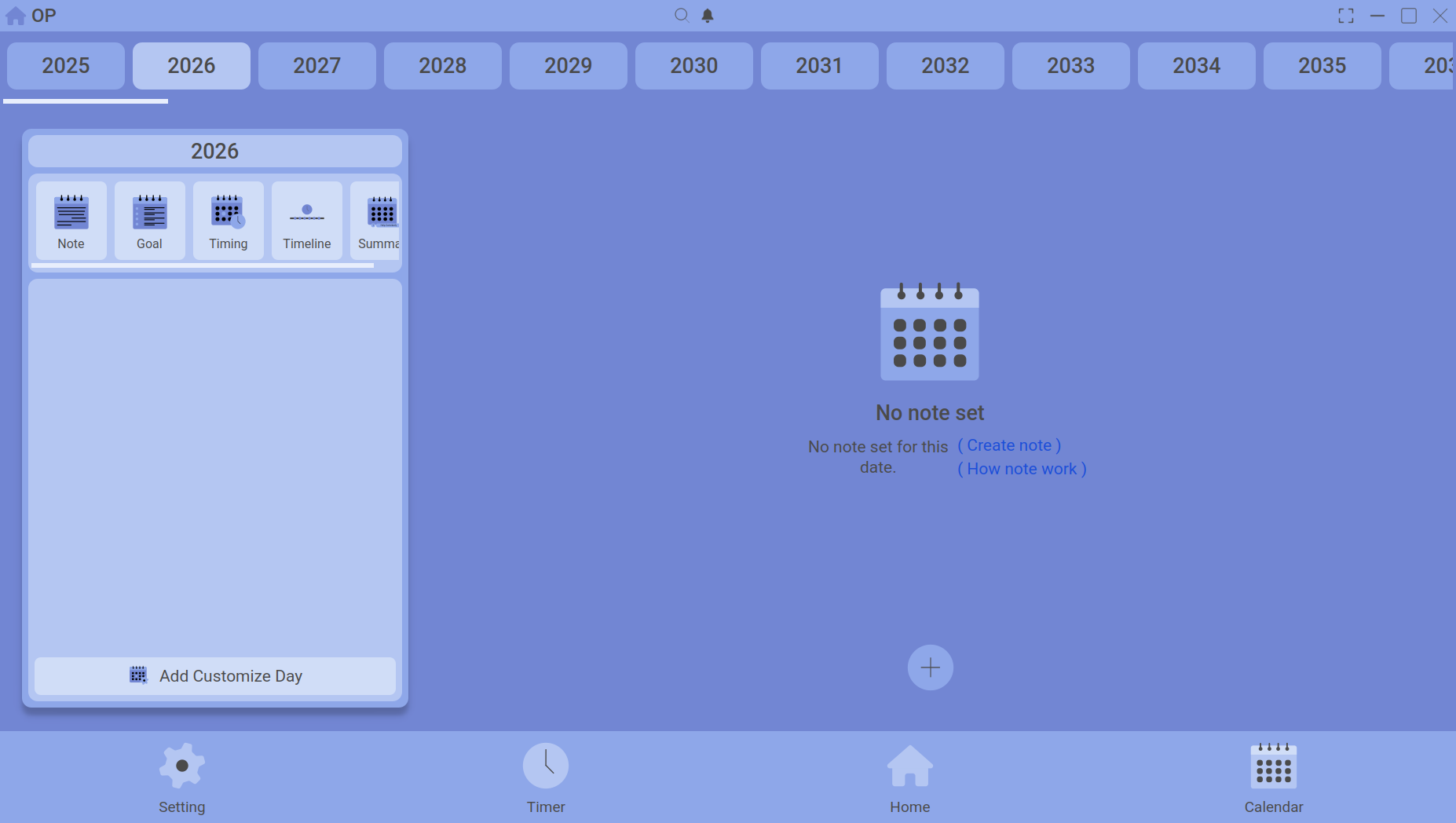
The main calendar view – pick a date and see all your planning tools.
Choosing a date
Use the date picker at the top to jump to any day. The entire page updates to show data for that date. You can also use the arrow buttons to move day by day.
What you can do
| Tab | Purpose |
|---|---|
| Notes | Quick text reminders and thoughts attached to a date. |
| Goals | Tasks with a target date or date range. Track your progress. |
| Timeline | Cumulative time entries per activity – see where your time really went. |
| Timing | Visual 24‑hour grid with drag‑and‑drop time bars to plan your ideal day. |
| Summary | End‑of‑day snapshot combining your notes, goals, and total focus time. |
How the Calendar connects to the rest of the app
- Timer – uploaded sessions appear automatically under Timeline and Summary.
- Customize Day – apply a saved template to fill the Timing grid instantly.
- Home Dashboard – charts and totals pull from the Calendar data.